How to Play Board Games Online: 6 Picks for a Night With Friends
WANGO 编辑部

Imagine a Friday night when a few people in the group chat finally have time. Somebody asks what to download. Someone else needs to leave at ten. One friend just says, “I’ve never played. You’ll teach me, right?”
On WANGO, you can try these games in a phone or computer browser. Count how many people are coming, then think about what everyone feels like playing. For thoughtful planning, start with Splendor or Rummikub. For maps, try Carcassonne or Ticket to Ride. Pick Azul to choose tiles while guessing your friends’ next moves. With six people and a lively voice call, try Liar’s Dice.
The player counts below refer to the current WANGO game pages. All six offer practice games and friend rooms, so you can get familiar with a round before inviting everyone in.
Splendor: Start with one white gem token
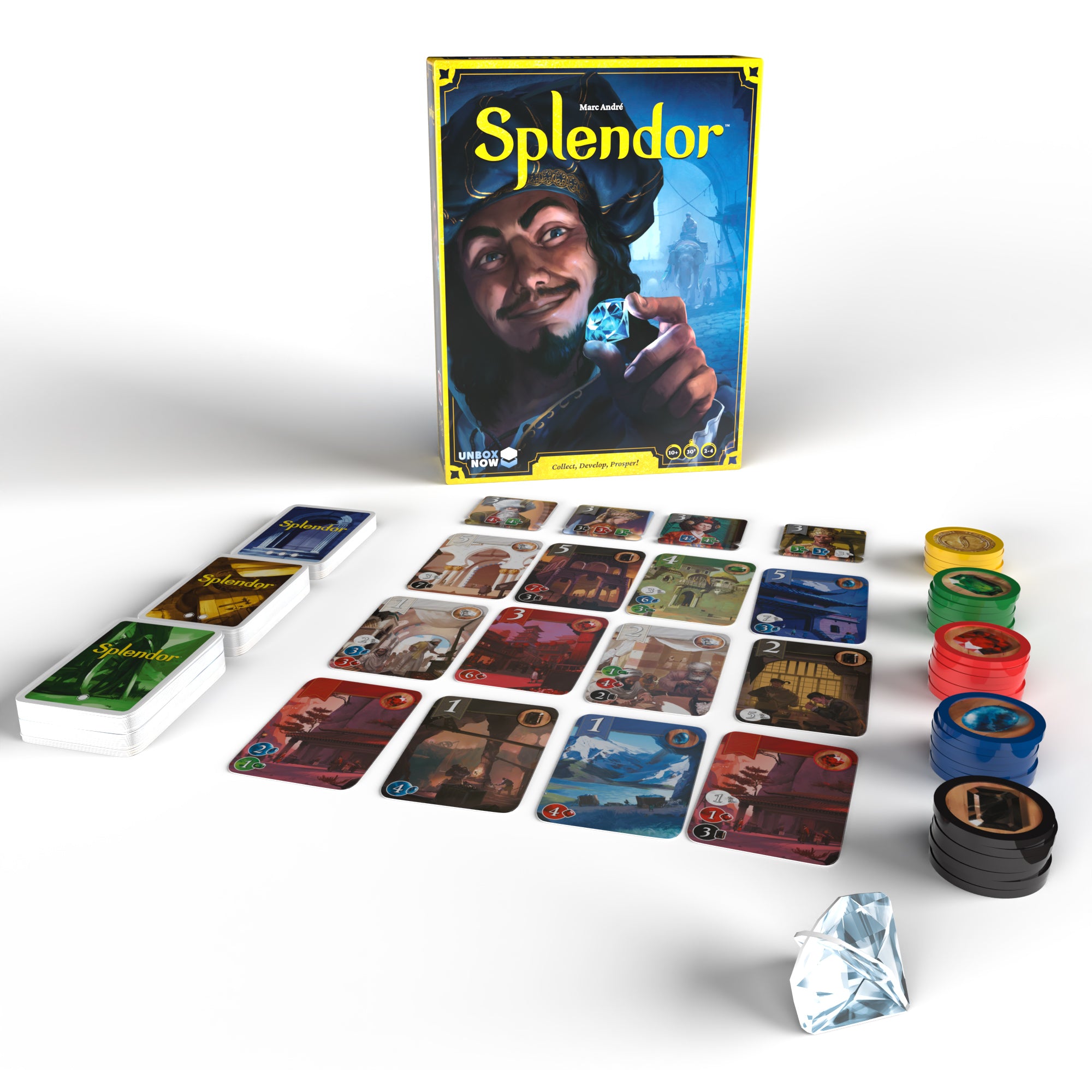
For 2 to 4 players. Pick Splendor if you want a game where turns are easy to explain and you can feel your progress as you play. On your turn, look at the development cards on the table. Each card you buy has a gem in the upper right corner that gives you a permanent discount in that color.
Say you buy a development card that gives a white gem discount. If the next card requires two white tokens, its white cost drops to one token. You still pay its other color costs as usual. Once you’ve seen that discount work, it’s easier to see why someone might buy a cheap card first, then go after the high-scoring one they’ve been eyeing for several turns.
Carcassonne: Watch everyone build a city together
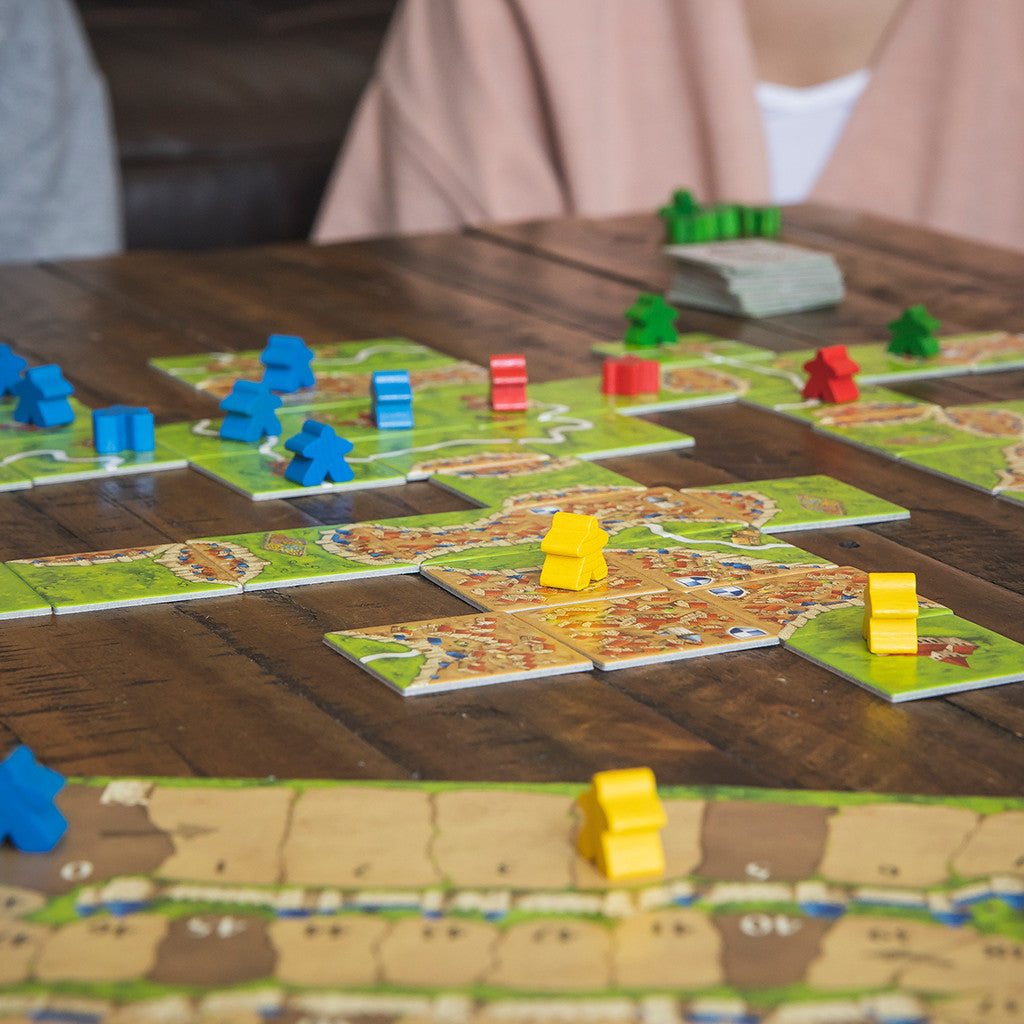
For 2 to 5 players. Try Carcassonne if someone loves puzzles or you have exactly five people tonight. On each turn, draw a landscape tile, match roads to roads and cities to cities, then decide whether to place a follower on the tile you just added.
In your first game, keep an eye on one small city. If the entire connected city has no follower, you can place yours on the city section of the tile you just added. When the city needs just one more tile, see who draws a corner that fits. In no time, somebody at the table will ask, “Did you just put that tile I was waiting for somewhere else?”
Azul: Two tiles fit, three is one too many
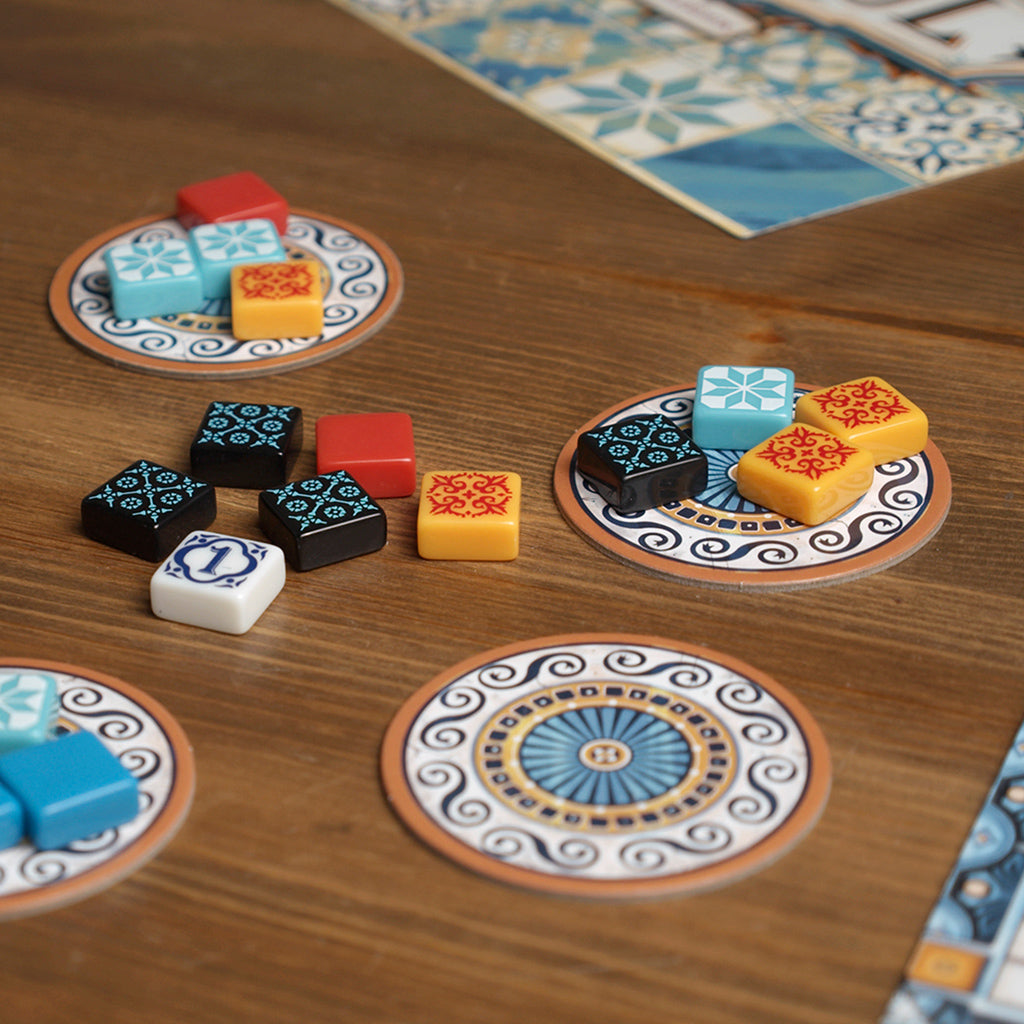
For 2 to 4 players. Try Azul if your friends like seeing the choices on the table and working out what a friend might take next. Take all tiles of one color from a factory display and move the remaining tiles to the center. Later you can also take all tiles of a single color from the center.
Say one of your pattern lines needs two more blue tiles. One display has two, and another has three. The three will also fill the line, but the extra tile goes to your floor line and costs you points. For a first game, asking “How many can I fit?” will come in handy sooner than memorizing the scoring chart.
Rummikub: Can you rearrange those numbers into another set?
For 2 to 4 players. Friends who enjoy patterns and sorting numbers may feel right at home with Rummikub. Tiles form either consecutive runs in one color or groups of the same number in different colors. Each set needs at least three tiles.
Blue 10, 11, and 12 form a run worth 33 points, enough to meet the initial meld requirement of at least 30. After your initial meld, you can also rearrange tiles on the table, provided every set is legal at the end of your turn. One of its best moments is staring at the table until you suddenly spot a place for that 7 you’ve been holding for ages.

Ticket to Ride: Connect the two cities you want to reach
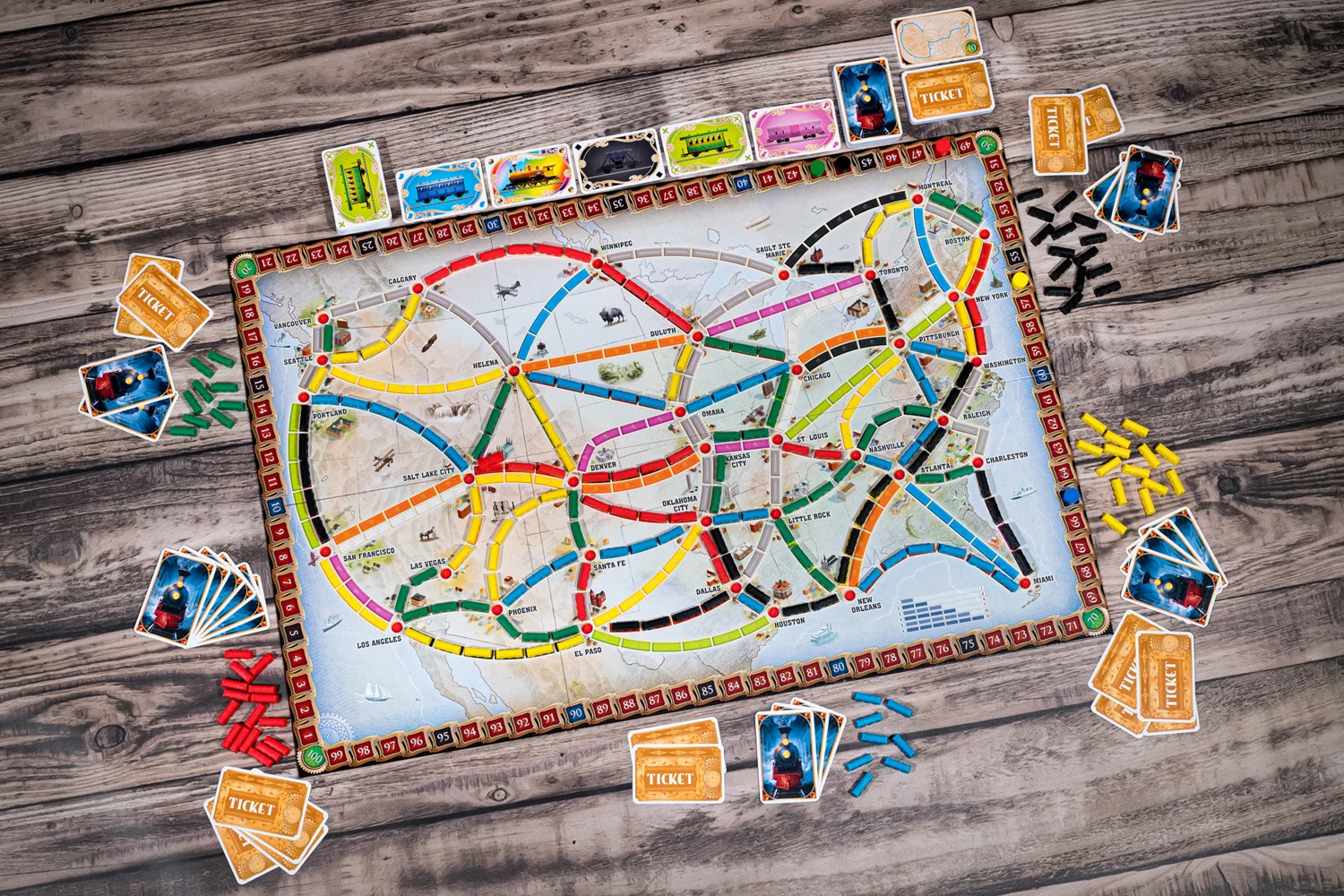
For 2 to 5 players. Pick Ticket to Ride if you like having a clear destination and watching your progress spread across a map. Collect matching train cards, spend them to claim routes, and connect the cities on your destination tickets.
When choosing tickets for your first game, look for journeys that share part of a route. If two tickets use some of the same railway, you’ll have a clearer idea of which cards to collect. Keep an eye on friends building toward important connections, too. Set aside an uninterrupted stretch of time for this game. On a phone, get familiar with the map’s zoom controls before planning your journey.
Liar’s Dice: You say there are four. Do I believe you?
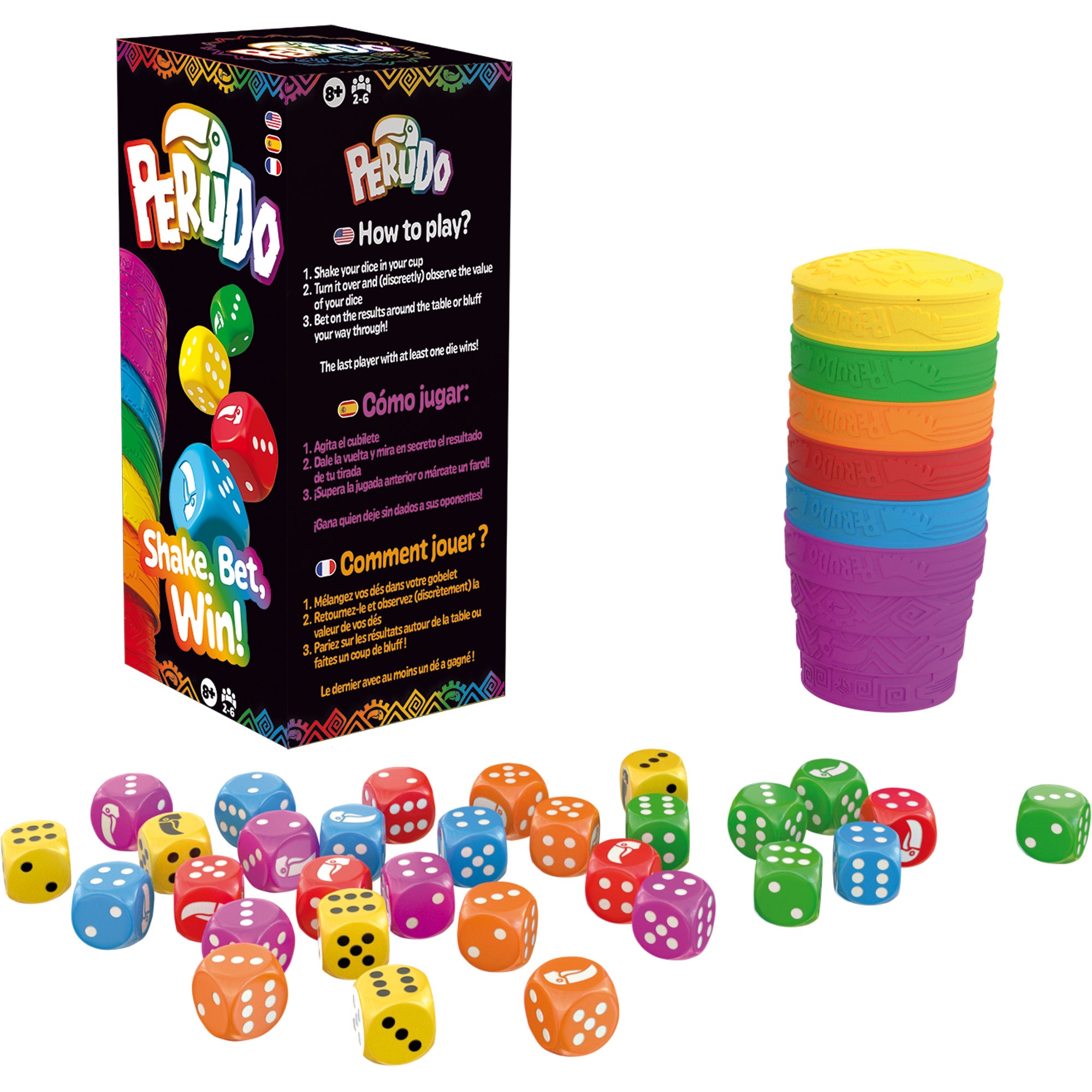
For 2 to 6 players. Try Liar’s Dice if you want laughter and a little suspicion on your voice call. You can only see your own dice, but you’re estimating how many dice of a particular face are on the whole table. On your turn, you can raise the bid or challenge the previous player.
When a friend says “at least four fives,” check your own dice and wonder what makes them so confident. The count refers to the whole table. Check the current rules prompt to see whether ones count as wild. WANGO offers a short points-based mode and a classic dice-elimination mode. Agree on the mode when creating the room and read the bidding rules together before starting.
Create a room and guide a new player through one round
Open the game you picked and select “Create room.” Choose the player count and share the room code or invitation link in the group chat. Friends can follow the link or open the same game and enter the code in the join option. Before starting, give everyone time to arrive and make sure they can see the controls on their phones.

If you’re teaching over voice chat, start with what the game is about and what someone can do on their turn. In Splendor, you might have the new player point at a card and ask, “Which gem am I missing?” Let them take tokens once themselves, and the rest of the rules will be easier to follow.
If you have a few minutes before everyone arrives, pick a game in the WANGO play lobby and start a practice session. When everyone has joined the room, you’ll have more time to see what your friends are thinking or hear someone laugh and ask, “One more game?”